Find your own device
Did you lose your phone?
Use the account and device service already connected to your phone. That is the right place to ring, lock, or locate a device you own.
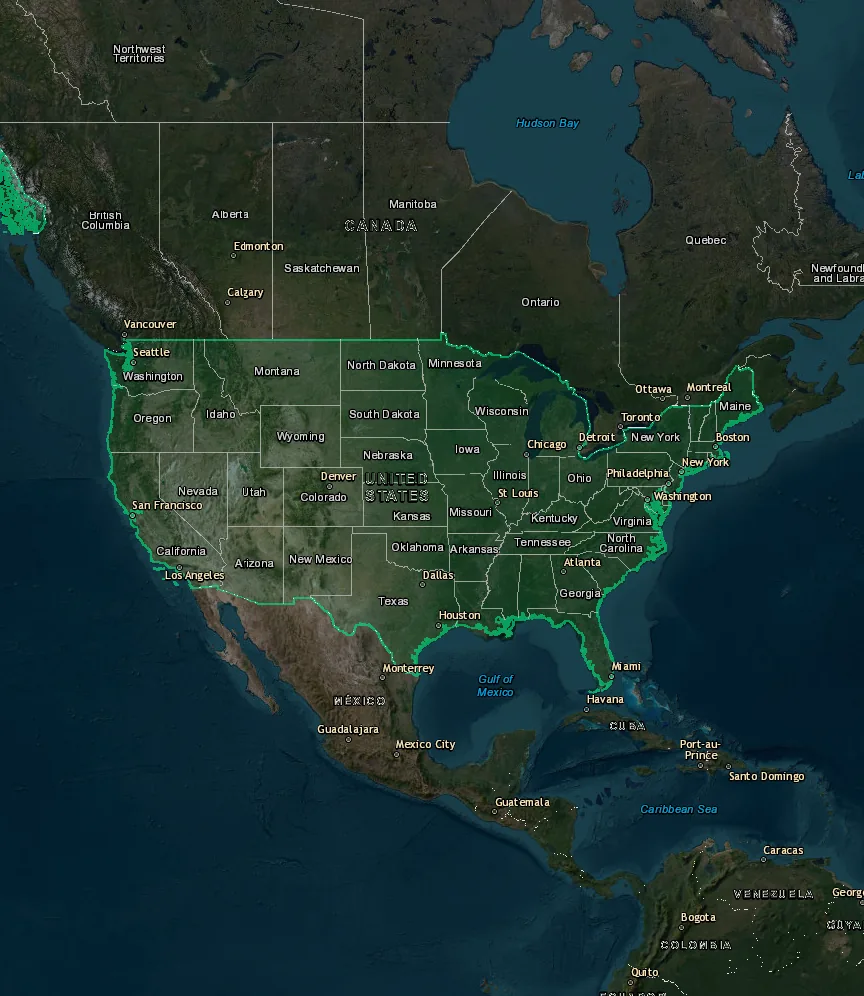
Enter a phone number to start a locator-style map simulation. The result appears within 30 seconds in your browser, without an app install or device permissions.
Practical field guide
Looking up a phone location can mean several different things. You may want to recover your own lost device, check an unfamiliar number, or share a location with somebody who agrees to it. Each situation needs a different tool. This page separates them, so a phone number never becomes a promise the internet cannot keep.
LocationPrank is a separate category: a visual map simulation for entertainment. The form above creates only a browser experience. It does not contact a carrier, access GPS, or see a phone location.
Find your own device
Use the account and device service already connected to your phone. That is the right place to ring, lock, or locate a device you own.
Share a location with someone
Send a request or use an app where the other person can see and approve what is shared. The result depends on their choice, connection, and phone settings.
Check an unknown number
A number can sometimes indicate a country, area code, or carrier. It does not reveal a live GPS position or somebody’s current address.
Capability map
This is not an accuracy chart. It is an orientation map: who gives consent, what is actually shared, and what remains out of reach.
Quick decision path
When the question is right, the next step becomes simpler. You do not need to move through dozens of questionable services or enter sensitive information into a random form.
Sign in to Apple Find My or Google Find My Device. Check the last known position and enable lost mode if you need it.
Use a clear invitation through a trusted app. The other person should decide whether to share, for how long, and with whom.
Start the simulation above or create a link in the separate builder. Both paths stay in the browser and end with an explanation.
iPhone and Android
These steps are for a device you own or are authorised to access. Results can vary with the system version, account, battery state, and connection.
Open the Find My app on another trusted device or sign in to your Apple account on the web. Select the device, check the available position, then play a sound, mark it as lost, or display contact details if appropriate. If the phone is offline, you may see a last known position or have the action take effect when it reconnects.
Sign in to the same Google account used by the device. Depending on availability, the service can show it on a map, make it ring, lock it, or erase it securely. Before erasing, make sure you have another way to recover your data because that step cannot be undone.
No public website can pull a current GPS position from a device that is not sending data. Check the last available position, secure the account, contact the carrier if the SIM is lost, and report a theft with device details. Do not pay a website that promises a secret live location from a number alone.
A number is not GPS
A phone number is an identifier for communication, not a remote control for a device. Its prefix can relate to a country or historical region. A carrier can sometimes be inferred, but number portability makes that data weaker. For an unknown call, spam reporting, blocking, and careful judgement are more useful than looking for an imaginary map.
A real position is sensitive data. When you share it, good tools show with whom, for how long, and at what scope. When a website skips those steps and promises accuracy after a number is entered, it leaves important technical and privacy boundaries unexplained.
In practice
Privacy
A real device position
A phone does not broadcast one universal coordinate that anybody can request. Its position is an estimate created by the device and its services from available signals and permissions.
Outdoors
When a phone has a view of the sky, its system can use satellite signals. Buildings, tunnels, battery state, accuracy settings, and location permission affect whether a result is available and how quickly it updates.
Indoors
Indoors, a phone can combine known Wi-Fi networks, Bluetooth signals, and motion sensors. That is why location behaves differently in a shopping centre, station, or apartment than it does on an open street.
Connection
A network helps a phone communicate with services the owner has authorised. It is not a public interface for a random website. Carrier data is protected, and an ordinary visitor does not gain access just by knowing a number.
History
For an offline device, an account may show the last recorded point. It is a useful clue, not proof that the phone is still in exactly that place. Its status can change when it reconnects.
When something does not add up
With location questions, it is worth slowing down for a few seconds. A good service names where a result comes from, what permission it needs, and what happens when a device is offline. Vague answers are important information in their own right.
Location and entertainment
Online, the same form can look like two very different things: number verification and claimed access to a location. Here the form has a deliberately different role. It starts a prepared map scene. The number is not sent, is not checked with a carrier, and has no relationship to the pin on the map.
If you want to create your own shareable result, open the separate Create a link page. There you choose a public place, visual, and final message before sharing. The recipient always receives a clear reveal that no tracking took place.
Create a locator linkThe articles explain the difference between this locator, fake GPS software, location sharing, and actual device recovery.
Browse map and privacy guidesFAQ
Clear answers about what the locator shows, what it never accesses, and what happens to the number you enter.
No. The creator selects a fictional destination before sharing. The viewer only sees a short simulation followed by a clear prank reveal.
No. LocationPrank does not request device permissions. It does not need access to GPS, camera, microphone, contacts, or notifications.
No. It is a web-based fictional scene, not a GPS spoofing app. It cannot change the location reported by a phone or another app.
You can copy the generated URL or use the device share menu. Keep the joke harmless and send it only to people who are likely to enjoy it.
The number is used only to start the animation in this browser. It is not sent to the server, stored, or used to locate a phone.
No. Use the recovery service connected to your Apple or Google account to find, lock, or ring a device you own. This page explains the difference and provides a browser-only map simulation.
No. A phone number alone does not give the public access to another person's current GPS location. Real location sharing needs the device owner's participation or authorised access to the device account.
A fake GPS app aims to change location information reported by a device. LocationPrank only presents a fictional scene in a browser and cannot change a phone or another app.